
In this article, we’ll walk you through the process of embedding the Adabundle script on xFunnels page builder.
Let’s get started,
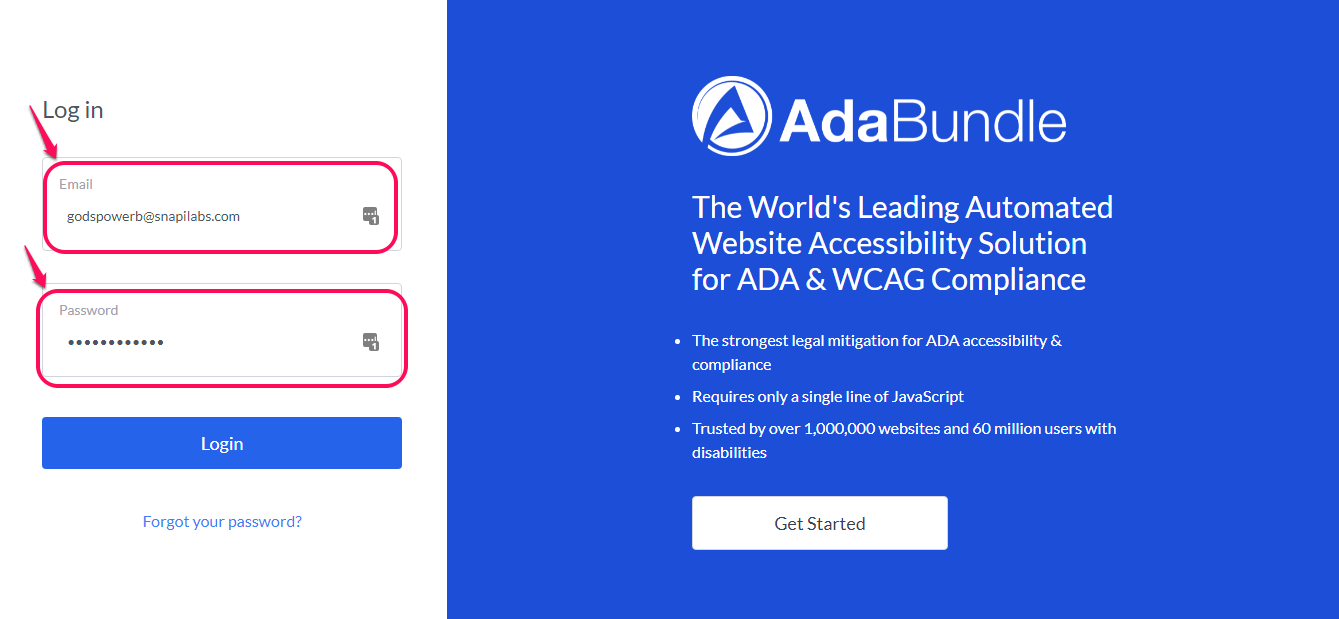
Step 1: Login to AdaBundle Dashboard
Go ahead and click on Widgets

On the next screen, Click on Add Website

As you can see, enter your website URL and tick the box below it
Then click on Add Website

At this point go ahead and configure all the accessibility setting you want on your website
Step 2: Embed Script
Go to the top of the page and click on Embed Script then click on Copy Script. Open up a notepad and save the copied script for later use.

Step 3: Login to your xFunnels Dashboard
Click on My Funnels/Pages

Go to the particular funnel you add to add the script and click on Edit Steps

Once it opens up, click on the little icon as shown in the screenshot below then go down and click on Edit Page

Go to the Settings Icon and Click on Page Code(Header, Body, Footer)

The code box will show up, paste the script you copied from Adabundle inside the header box. Click Save and Save Again

Check the page to see if your Adabundle Widget is showing
